Accounting & tax practice management
For a practice carrying the obligations of dozens of businesses: a register of practice clients with their tax details, their documents and expiry dates, an encrypted vault for client portal credentials, and tax appeal hearings and training bookings — with alerts that arrive before an expiry rather than after it.
Practice clients
Path: Accounting practice → Clients — /taxoffice/clients
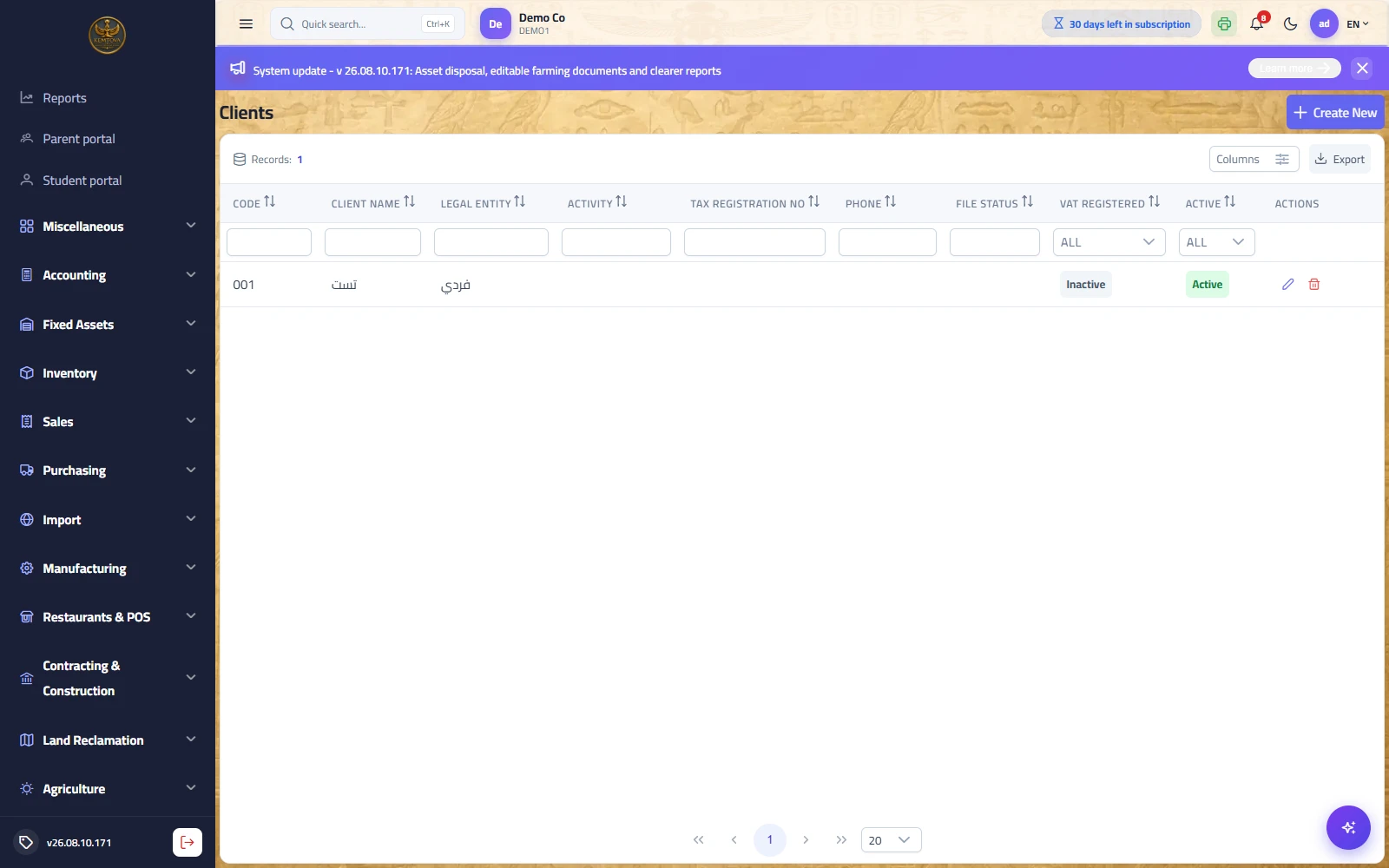
Purpose: a file per business the practice serves: its tax and legal details, the accountant responsible, and the contracted services. The client card opens tabs for documents, credentials and services.
| Tab | Description |
|---|---|
| Master data | Name, code, activity, legal entity type, tax number, commercial registration and responsible accountant. |
| Documents | Tax card, commercial registration, import/export licence… each with a number, issue and expiry dates and attachments. |
| Credentials | Client portal accounts (e-invoicing, single window, filings) — stored encrypted. |
| Services | Contracted services with their value and frequency. |
Documents expiring soon
Path: Accounting practice → Documents expiring soon — /taxoffice/documents-expiring
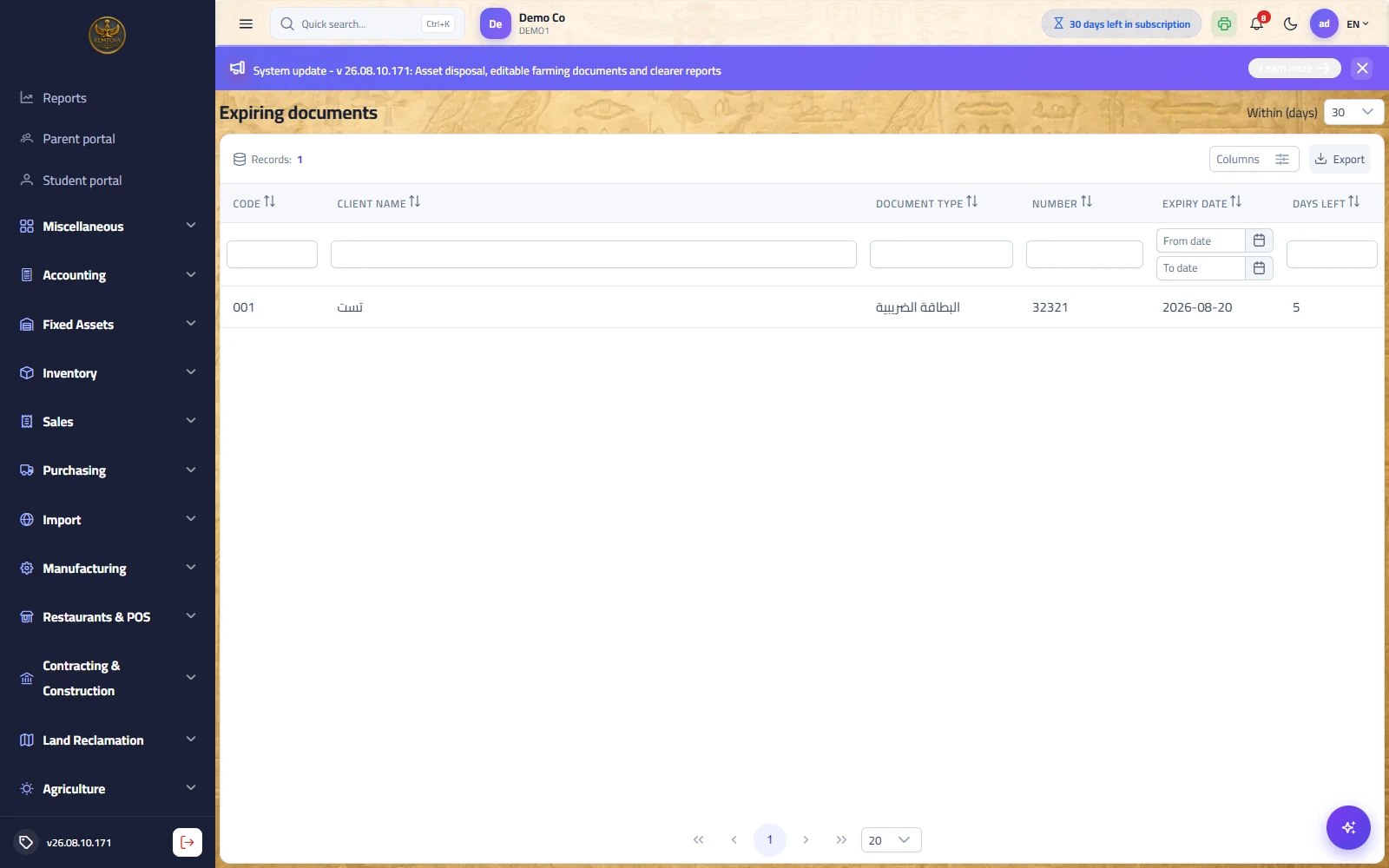
Purpose: the screen opened every morning: every client document approaching expiry, ordered by the nearest — renewed before the penalty rather than after it. This is the first value a practice buys from the system.
Tax appeal hearings
Path: Accounting practice → Tax appeal hearings — /taxoffice/hearings
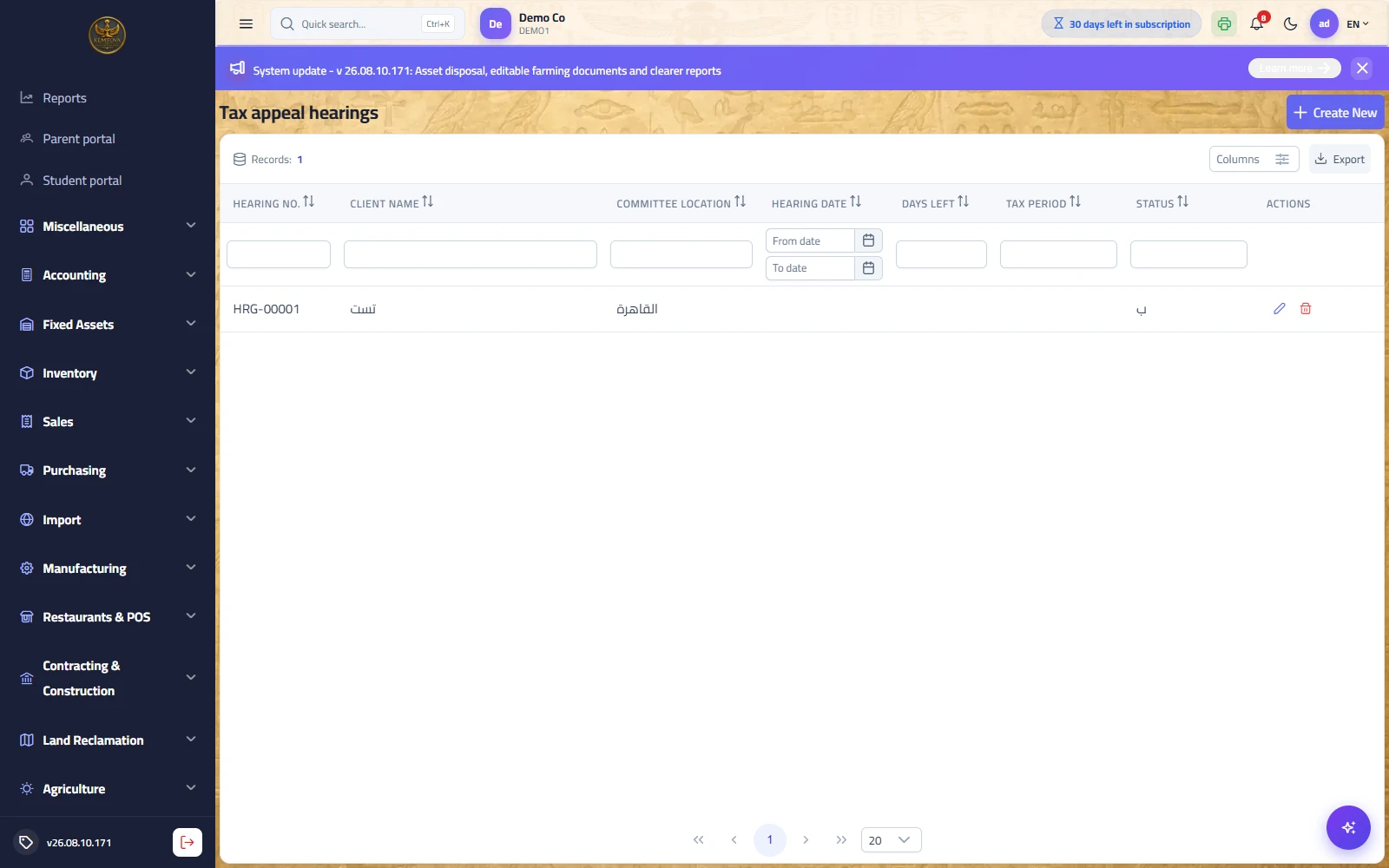
Purpose: tracking appeal committee hearings: the client, the committee location, the hearing date, the tax period and the status. The list computes days remaining, so the next hearing is visible at a glance.
| Field | Description |
|---|---|
| Hearing no. | A sequential document number with the HRG- prefix generated by the system — quoted in correspondence. |
| Client name | From the practice client register, or free text (some names are not registered clients). |
| Committee location | From the committee locations list. |
| Hearing date / days remaining | The date, from which the countdown is computed. |
| Tax period / status | The period under appeal, and the hearing status (discussed, adjourned…). |
Training bookings
Path: Accounting practice → Training bookings — /taxoffice/training
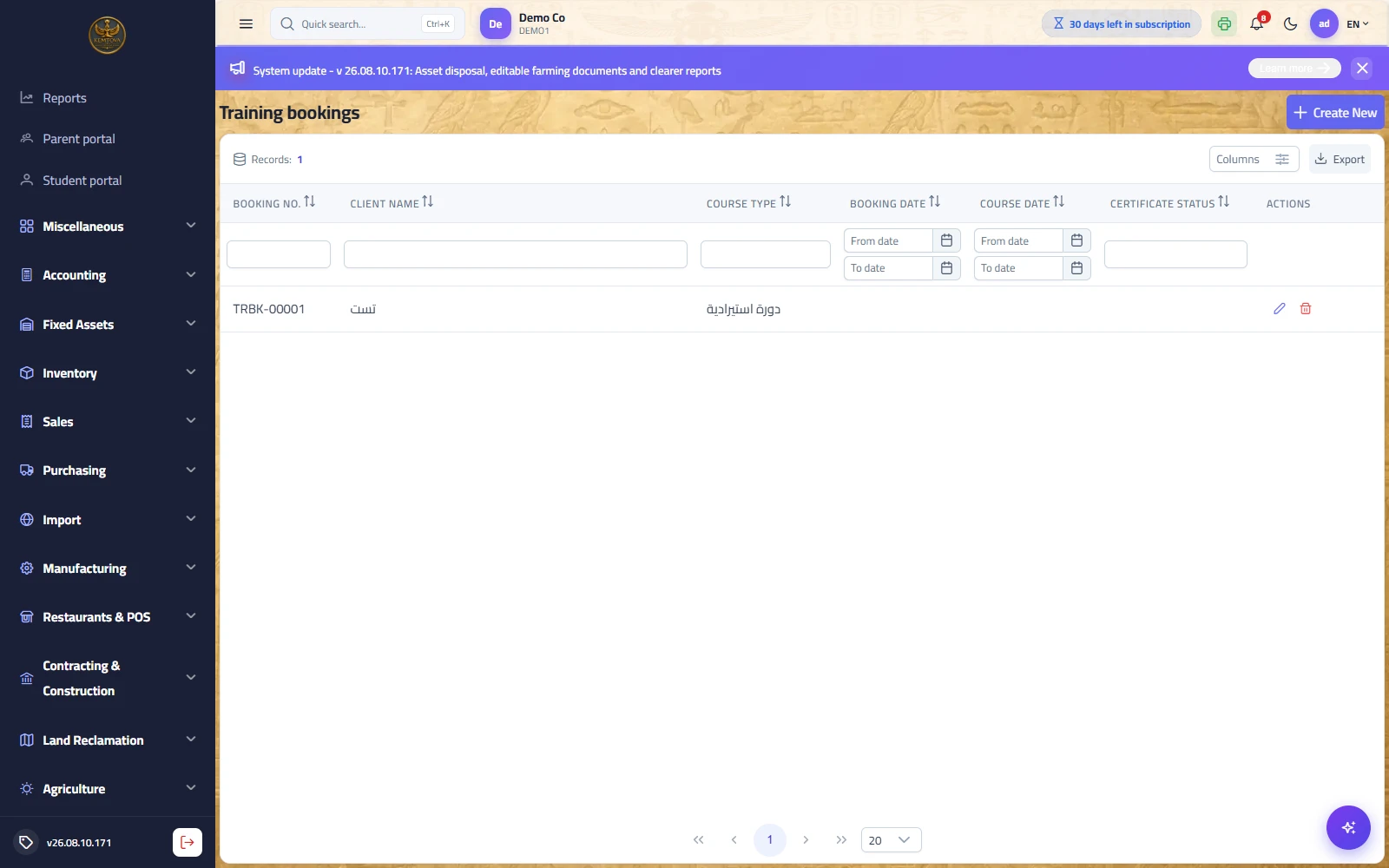
Purpose: client course bookings with the course type, booking and course dates and the certificate status — so you know who attended and who is waiting for a certificate.
| Field | Description |
|---|---|
| Booking no. | A sequential document number with the TRBK- prefix handed to the client. |
| Course type | From the course types list. |
| Booking date / course date | Two independent dates — a booking may precede the course by weeks. |
| Certificate status | For example: certificate received / being issued. |
Lookup lists
Path: Accounting practice → Activities / Legal entity types / Document types… — /taxoffice/client-activities
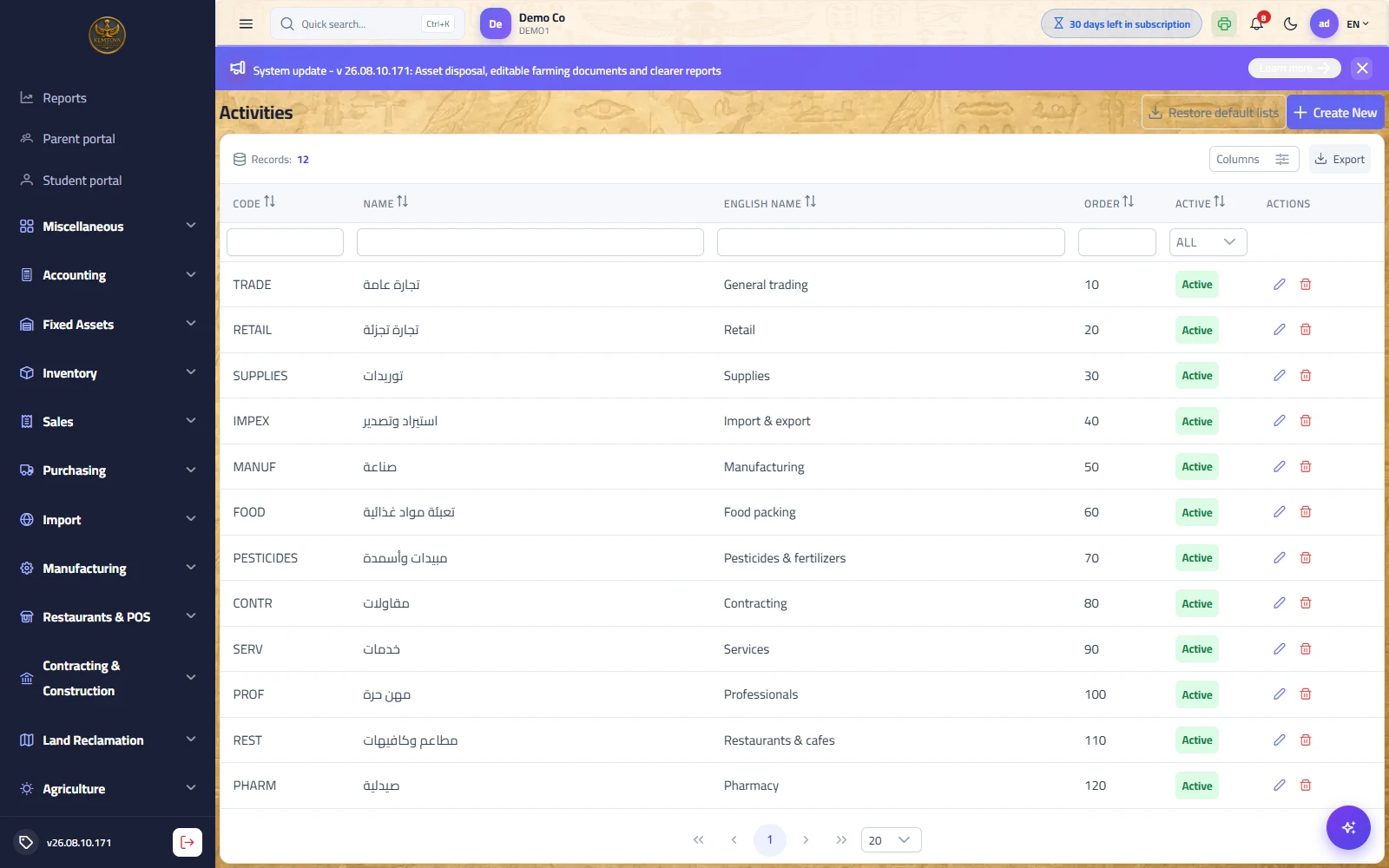
Purpose: the lists feeding the other screens: client activities, legal entity types, document types, credential systems, service types, appeal committee locations and course types. Set up once and rarely reopened.
Fee receipts
Path: Tax office → Operations → Fee receipts — /taxoffice/fee-receipts
What it does: Collecting the office’s fees from a client on a voucher that clears them off the client’s account — so each client keeps a correct fee balance instead of one mixed up with expenses paid on their behalf.
| Field | Description |
|---|---|
| Voucher number and date | Auto-numbered, and the day it was received. |
| Client and amount | From whom and how much. |
| Receipt account | A till or a bank. |
| Posting | Takes the amount off the client’s account and into the till. |
The client credential sheet
Path: Tax office → Operations → Client credential sheet — /taxoffice/credential-sheet
What it does: Your clients’ logins to the government portals are kept in an encrypted vault. This screen shows them in clear — for one client or for all — when you need to use or hand them over.
| Field | Description |
|---|---|
| Client | One client or all of them. |
| System | Which government portal. |
| Username, email, password | Hidden until you press “show” — and copied with one click. |
| Printing | A sheet carrying who printed it and when. |